


Note: pricing and availability change fast, so the figures below are accurate as of mid-2026. Check the latest before you buy.
Multicolor 3D printing has a dirty secret: waste. If you have run an AMS-style system, you know the "poop chute," that pile of purged filament sitting next to your printer after a colorful print. On some jobs the wasted filament weighs more than the part itself. The Snapmaker U1 was built to fix exactly that, and it became the most-funded 3D printer in crowdfunding history ($20.6M from over 20,000 backers) on the strength of that one idea.
After the hype, the real question for a buyer is simple: does it deliver, and is it the right machine for you? Here is the honest breakdown, and what it means for the filament you feed it.

What makes it different: a real tool changer
Most consumer multicolor printers (like Bambu's AMS) use one nozzle and swap colors by purging the old filament and loading the new one, every single color change. That is where the waste and the wait come from.
The U1 takes a different approach. It has four independent toolheads, each preloaded and pre-heated with its own filament. To change color, it physically swaps the whole toolhead (Snapmaker calls it SnapSwap). No purging a full nozzle, no reloading. A swap takes about 5 seconds instead of two minutes, and because nothing has to be flushed, the waste almost disappears.
The difference is structural. A single-nozzle machine has one melt chamber, so the only way to clear the old color is to push new filament through until it stops bleeding into the extrusion. A tool changer never mixes the two in the first place.
The headline win: waste and speed
This is where the U1 earns its reputation. In real-world multicolor jobs:
- Waste: roughly 4 grams per 90 color swaps, versus 300 to 800 grams on a Bambu A1 Combo for the same kind of job. That is a 50x to 100x difference on swap-heavy prints.
- Speed: color changes in seconds, so heavy multicolor prints finish noticeably faster. In testing it beat a Bambu P1P on multicolor work thanks to the instant swaps.
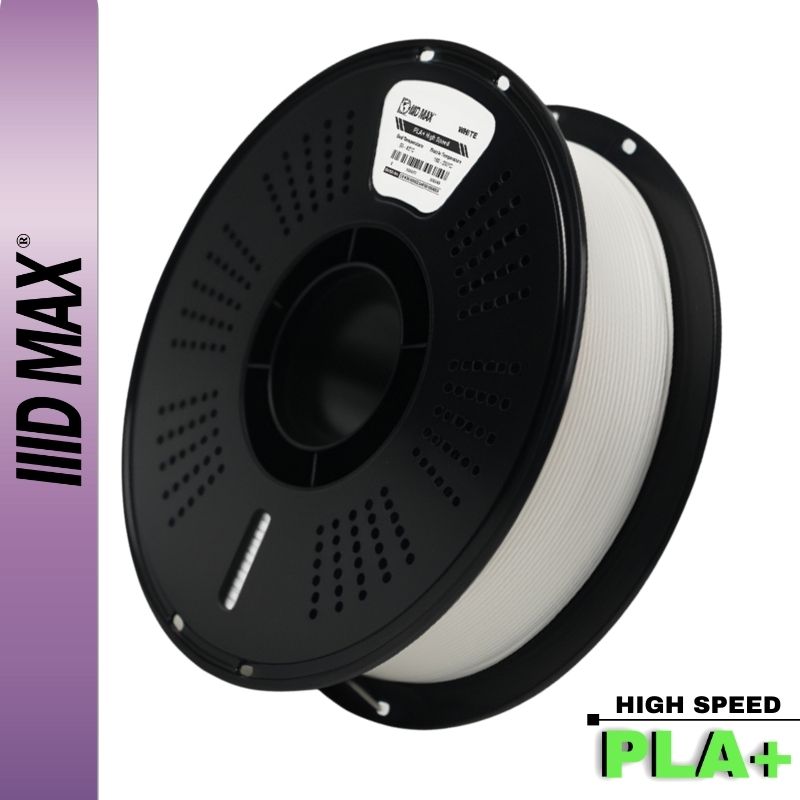
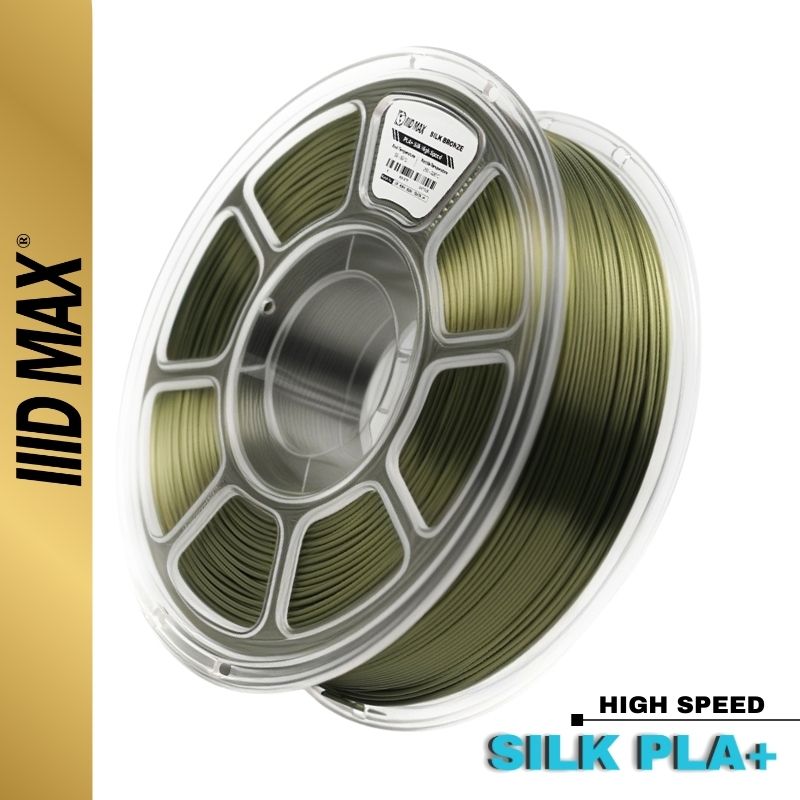
If you print a lot of colorful models, that waste reduction pays for filament, and for your patience, over and over. It also shines with our brightest PLA+ and Silk PLA colors, where multicolor really pops.
What a tool changer does to your filament budget
Waste per color change decides whether multicolor stays a hobby or turns into a business. On a purging machine, every transition costs a fixed slug of plastic that has nothing to do with the size of your part. A keychain with six color changes per layer can leave a purge tower that outweighs the keychain, and a batch of twenty burns a spool to ship a few hundred grams.
The U1 numbers flip that. Ninety swaps for about four grams means filament use tracks the volume of the model rather than the number of transitions in it, so close to the whole kilo ends up in parts. It changes what you buy, too. Purging systems make people ration colors, because a real share of every spool goes in the bin. With a tool changer it pays to stock a full palette at once, which is what our 30-pack mix-and-match bundle is for.
The specs that matter
It is a genuinely capable machine underneath the headline: 270 × 270 × 270 mm build volume, a rigid CoreXY motion system, Klipper firmware (with Moonraker), and tight factory calibration (under 0.04 mm). Because each toolhead has its own heater, it also handles true multi-material, combining flexible TPU with rigid PETG in one print. Quality is clean and on par with the best in its class.
Those per-toolhead heaters are what separate multi-material from plain multicolor: PLA runs at PLA temperatures and TPU runs at TPU temperatures in the same part. The catch is mechanical. Materials with different shrinkage rates pull against each other as the part cools, so a rigid and flexible combination can lift at the boundary if the first layer is not solid. Our first layer adhesion and warping guide covers the bed prep that prevents it.

The honest cons
No machine is perfect, and a good review tells you where it bites:
- Hard four-color limit. Four toolheads is the ceiling, built into the architecture rather than set in software, and Snapmaker has confirmed there is no expansion. If you need 5 or more colors in one print, look elsewhere.
- Engineering materials are an add-on. ABS, ASA, and other high-temp filaments need the optional Top Cover, which adds to the cost, and even then the chamber is only passively warmed (about 50C). If your main goal is functional engineering parts, a printer with an actively heated chamber is a better fit.
- It is louder. Peaks around 65 dB, versus about 50 dB on a Bambu A1. Not ideal if it lives in your office or bedroom.
- Software is still maturing. Snapmaker's slicer (an Orca and Bambu Studio fork) works well, but the model library and material profiles are still catching up to Bambu's polished ecosystem.
- Support material costs a color slot. You can dedicate a toolhead to support material with clean results, at the price of one of your four colors.
What to look for in filament when you run multicolor
Four channels feeding one part raise the bar on the filament itself. Small inconsistencies that hide inside a single-color print land next to each other on the same visible surface here.
Color consistency between spools. Open a second spool of the same color partway through a set and any mismatch shows as a band on a part that was meant to be one tone. Buying a color in a batch from one maker is the practical fix, and every IIID MAX spool is extruded in our own plant in the USA.
Diameter consistency across channels. A multi-toolhead machine runs one flow calibration per material and every channel inherits it. If one spool runs thin and another runs fat, the same setting under-extrudes on one color and over-extrudes on the next, right where they meet. Our filament holds +/- 0.03mm on 1.75mm, so all four channels share one profile.
Moisture, four times over. A multicolor job keeps four spools mounted for hours, and the three sitting idle absorb water the whole time. Keep them vacuum-sealed with their desiccant until you need them, and dry anything that has been out a while. Our filament drying guide has the temperatures per material.
Organizing the shelf. Keep a house set of core colors always in stock so you never stop a run to shop. Assign one physical channel to support material and leave it there, then name the channels the same way in the slicer so an old profile still matches the machine. Weigh a spool before a long job: a channel that runs dry at hour nine takes the whole print with it.
How it compares
If your priority is low-waste, fast multicolor and you live within four colors, the U1 is currently the most compelling option in its price range, because nothing else cuts waste like a true tool changer. If you need more than four colors, high-temp engineering materials out of the box, or whisper-quiet operation, a Bambu (A1 Combo for simplicity, or the H2 series for an active heated chamber) may suit you better despite the waste.

Price and value
Pre-order pricing was meaningfully below retail, and at either price it is strong value. Tool-changer designs used to cost far more, so getting genuine multi-toolhead hardware at this price, with the waste savings on top, makes the math work for anyone doing serious multicolor volume.
In stock at IIID MAX. Bundle it with 4 rolls of our PLA+ and start printing in color.
The verdict: who should buy it
Buy the U1 if you print a lot of colorful, multi-material models and you are tired of the waste and the wait of AMS-style systems. For makers, small shops, and anyone selling colorful prints, the filament and time it saves add up fast.
Skip it if you need more than four colors per print, your work is mostly high-temp engineering parts, or you need a quiet machine in a shared room.
For the right user, the U1 delivers on the promise. It is the first consumer color printer that makes multicolor feel practical rather than wasteful. See the U1 in our store →
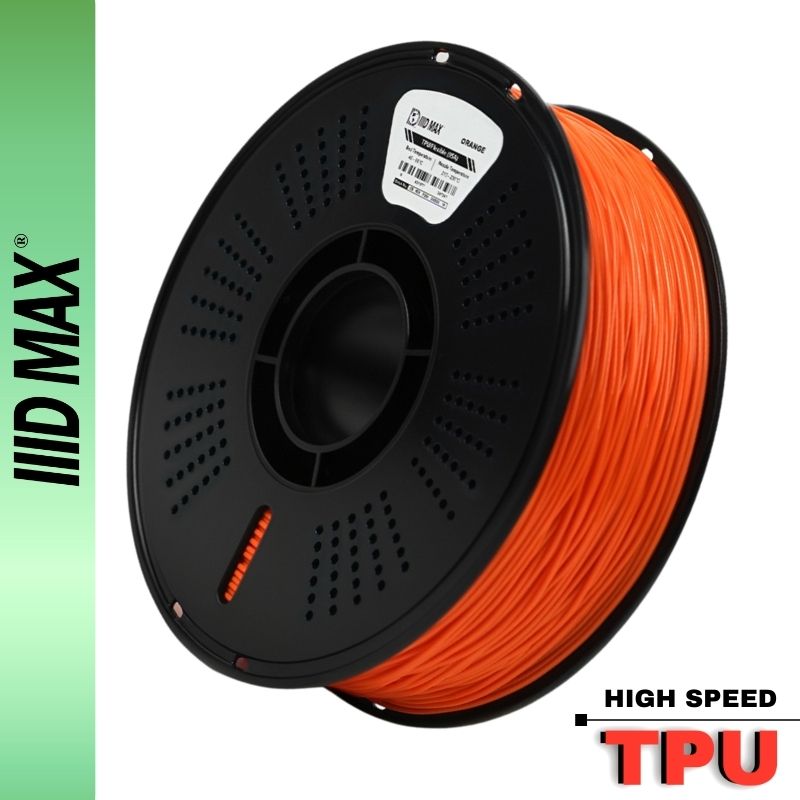
Printing in color? However you print, good results start with good filament. Browse our PLA+, Silk PLA, PETG, and TPU in 50+ colors, consistent spool to spool, or grab a 30-pack bundle and load every channel at once.


