
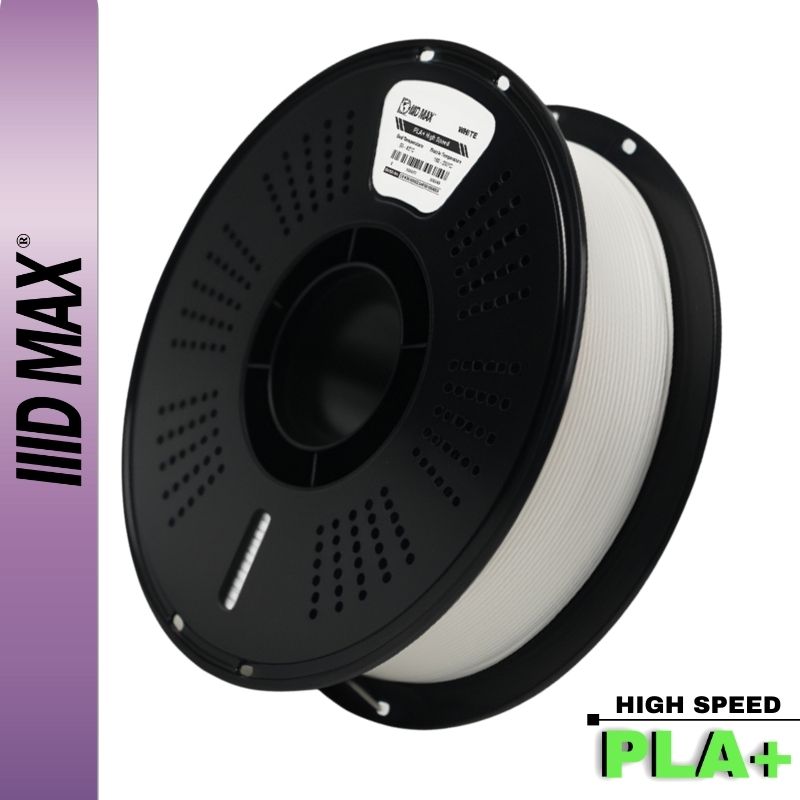
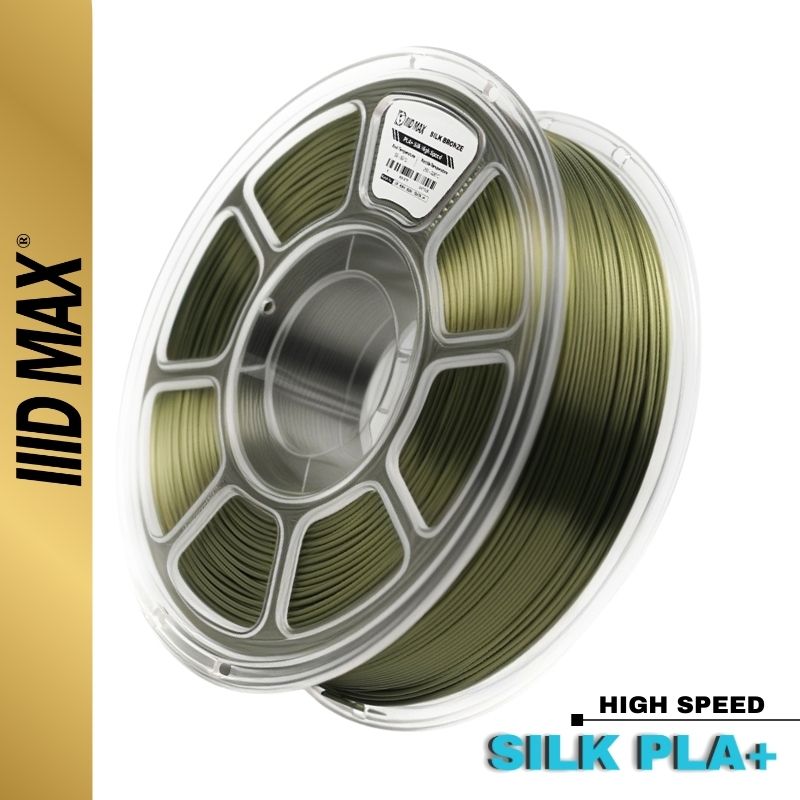


If you've spent any time in 3D printing, you've heard it a hundred times: "Just start with PLA." It's the advice every beginner gets, and it's good advice. But the moment you see your first silk PLA print come off the bed, that deep metallic shine with no sanding and no painting, you start wondering why anyone bothers with the regular stuff.
Here's the short version: PLA is the easiest filament to print, period. Silk PLA looks better but is slightly harder to print and noticeably less strong. Neither of those is a dealbreaker. You just need to know what you're buying it for.

Why PLA is the easiest filament to print
PLA (polylactic acid) is made from plant-based sources like cornstarch and sugarcane. What matters for you at the printer is how it behaves once it melts.
PLA prints cool and calm. It flows at a low temperature (around 200 to 220 C), barely warps as it cools, and doesn't demand a heated chamber or an enclosure. That low warp is the whole reason beginners love it: your first layer sticks, your corners stay down, and your print doesn't peel off the bed three hours in. You can run it on an open-frame printer in a normal room and get clean results out of the box.
That's the baseline every other filament gets compared to. So when we say silk PLA is "harder," we mean harder than the easiest thing there is, which still leaves it well inside easy territory.
What silk PLA actually is (the 30-second version)
Silk PLA is regular PLA with extra ingredients mixed in. To get that glossy, satin sheen, manufacturers blend in soft polymers and plasticizers that change how light reflects off the surface and how the material flows. Some blends also add a small amount of mineral filler.
Those additives are the entire trade-off. They're what make silk PLA beautiful, and they're also what make it slightly weaker and a little fussier to print. The base plastic underneath is the same PLA. It has simply been tuned for looks instead of strength.

Is silk PLA weaker than regular PLA? Yes, and here's by how much
This is the question we get most, so let's be direct. The honest answer is lopsided, and the shape of it matters more than one percentage. In a comparative test of one manufacturer's own range, MyTechFun measured a silk PLA against that maker's PLA+ and found the pull strength along the part almost unchanged, 92.7 kg against 96.3 kg. The bond between layers told a different story: 13 kg against 42.5 kg. Silk keeps nearly all of its tensile strength and gives up around 70% of its layer adhesion. Those are figures from one comparison on one brand rather than a normalized material property, but they match what people report. Pull a silk part along its length and it holds. Stress it across the layer lines and it splits.
If you've heard a fellow printer say they stopped using silk because their parts kept breaking, they weren't imagining it. The same additives that create the shine slightly loosen the polymer's internal structure.
What does that mean in practice? For decorative pieces, display models, cosplay props, vases, and anything that sits on a shelf, you will never notice. For a functional bracket, a hinge, a clip, or any part that takes load or repeated stress, you'll feel it. That's the line: looks vs. load.
Parts you should never print in silk
The strength penalty only matters where the part has a job to do, so it helps to have a hard list. Skip silk for anything load bearing: shelf brackets, wall mounts, tool holders. Plastic creeps under sustained load, and the additives in silk make it creep sooner, so a bracket that looked fine on day one can be visibly bowed by month three.
Printed threads are the second no. A thread concentrates its stress on a few thin layer boundaries, which is where silk gives up first. Same with snap fits and clips: they have to flex and spring back hundreds of times, and silk tends to flex once and then crack. Skip it for gears and pulleys, where the softer surface wears under repeated contact, and for screw bosses, where one overtightened fastener splits the part along a layer line.
A quick test before you load the spool: if you would be annoyed to find that part broken, print it in standard PLA or PETG. If you would only be annoyed to find it ugly, silk is the right call.
Is silk PLA harder to print?
A little. The same soft additives that reduce strength also stay molten slightly longer and flow more freely, which shows up in three ways:
- Stringing. Silk PLA oozes more between travel moves, so you'll see fine "hairs" across gaps unless you tune retraction.
- A narrower temperature window. It often wants a touch more heat than plain PLA (Bambu Lab publishes 225 to 235 C at speed, while eSUN and Polymaker list the same range as their standard PLA, so check your spool), but go too hot and stringing gets worse, and too cold and layer adhesion, already its weak spot, drops further.
- Slower cooling. Because it stays soft longer, overhangs and bridges can sag if you print fast.
None of this is dramatic. Dry filament, a tuned retraction setting, and a slightly slower speed solve almost all of it.
Here's the quick comparison most buyers actually want:
| Regular PLA | Silk PLA | |
|---|---|---|
| Ease of printing | Easiest there is | Slightly harder |
| Nozzle temp | 200 to 220 C | 215 to 235 C |
| Bed temp | 55 to 60 C | Same |
| Strength | Baseline | Same in tension, around 70% less between layers |
| Stringing tendency | Low | Moderate |
| Finish | Matte | Glossy / satin sheen |
| Best for | Functional + everyday parts | Decorative, display, gifts |
Getting the best look out of silk, and what post-processing works
Silk rewards a few slicer choices more than a perfectly tuned machine. Print show surfaces at a thin layer height, 0.12mm to 0.20mm on a 0.4mm nozzle: every layer line is its own narrow band of reflected light, and thin bands close together overlap into what reads as one continuous sheen, while tall ones stand apart as separate stripes. Amolen puts the sweet spot at 0.12 to 0.16mm, Numakers says no more than 0.15mm. Run at least three walls, four on curves, so infill never telegraphs through and dulls a patch of the finish. For photos, use a single light at a low angle and turn the part until the highlight runs along its length, because flat overhead light makes silk look grey. Full temperature, speed and retraction numbers are in our silk PLA settings guide.
Post-processing is where silk and standard PLA part ways. Sanding kills the shine permanently: the gloss comes from how the extruded skin cooled, so there is no coating to polish back. Silk is also slicker and holds paint less willingly, so scuff it with fine abrasive and use a filler primer or the topcoat can peel off in sheets. If the part is getting painted anyway, there is no reason to pay for silk.
How silk behaves in an AMS or multi-material setup
Multi-color silk looks better than almost anything else a consumer printer can produce, and it is also where silk causes the most grief.
Raise your purge volumes. Silk pigments are dense and saturated, so a light silk loaded right after a dark one carries the old color much further into the print than a matte color would.
Expect less grip at the extruder gears. The slick surface slides under the drive teeth, so aggressive retraction or a partly clogged nozzle can grind a flat spot into the filament. Leave tool-change retraction at the profile default.
Watch the spool. Silk is smooth enough to slip under an adjacent wrap and cross itself, and a tangle mid-print in a four-color job is an expensive lesson. Clip the free end whenever a spool leaves the machine, and keep it dry, since damp silk strings badly and the constant travel moves of a multi-material print are where you will see it.
So which should you buy?
Buy regular PLA when the part has a job to do: brackets, mounts, tools, anything that bears weight or gets handled rough. It's cheaper, stronger, and the most forgiving filament you can load. (For parts that face real heat, impact, or constant load, here's where to start with stronger materials.)
Buy silk PLA when the look is the point: gifts, display pieces, a vase-mode print, anything where you want a finished surface straight off the printer with zero post-processing. Just keep it away from structural duty.
Is the premium worth paying? Silk earns it back when the surface is the product. If you sell prints, it replaces hours of sanding, priming and painting, and it photographs well enough to carry a listing on its own. Same for gifts, commissions, cosplay pieces and lamps. It is wasted on anything that gets painted, anything hidden inside an assembly, prototypes and test fits.
If you're brand new and not sure yet, start with regular PLA, get your first dozen prints dialed in, then treat silk as the upgrade once you know your machine. A 30-pack mix-and-match bundle is a cheap way to find out which silks you actually reach for before committing to full spools.

Want help picking the right filament for your next project? Browse our PLA+ selection and Silk PLA selection, or reach out. We print this stuff every day and we're happy to point you in the right direction.


