
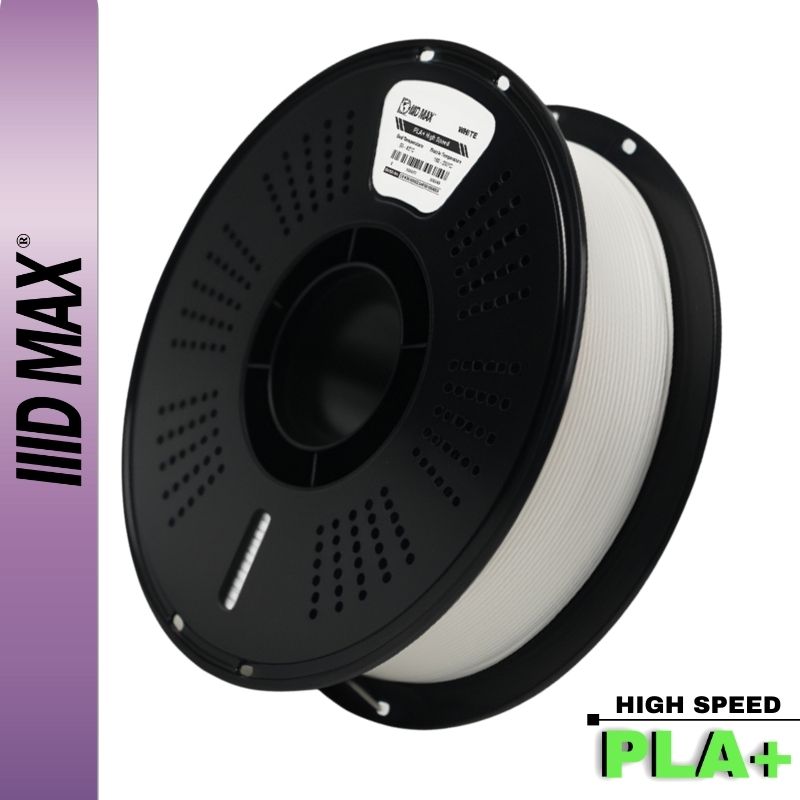


Stringing everywhere. Little popping or hissing sounds while it prints. Layers that look rough and snap too easily. Before you blame your printer or your settings, check the most overlooked culprit in 3D printing: wet filament. Most filament quietly soaks up moisture from the air, and once it's wet, even perfect settings can't save the print.
Why moisture wrecks prints
Filament is hygroscopic. It pulls water vapor out of the air even on a shelf, and the water works into the plastic itself. When damp filament hits the hot nozzle, that water instantly flashes to steam. The steam causes popping and bubbling, blows out your extrusion, and leaves you with stringing, rough surfaces, and weak, brittle layers that peel apart. Your printer is doing exactly what you told it to. The material arriving at the nozzle is no longer what your profile was tuned for.
The mechanical damage matters more than the cosmetic damage. Steam bubbles inside the molten bead interrupt the contact between one layer and the next, so a wet print loses real layer adhesion even when the surface looks acceptable. Parts that should bend before they break snap along a layer line instead.
Most of that is reversible: drive the water out and the filament behaves again. The second problem is not. Hydrolysis is chemical breakdown, and nylon and PET based materials, PETG included, suffer it when melted wet or stored wet long enough. The chains get shorter, the material gets permanently more brittle, and drying does not bring it back. That is the argument for keeping spools sealed instead of rescuing them over and over.

Which filaments care most
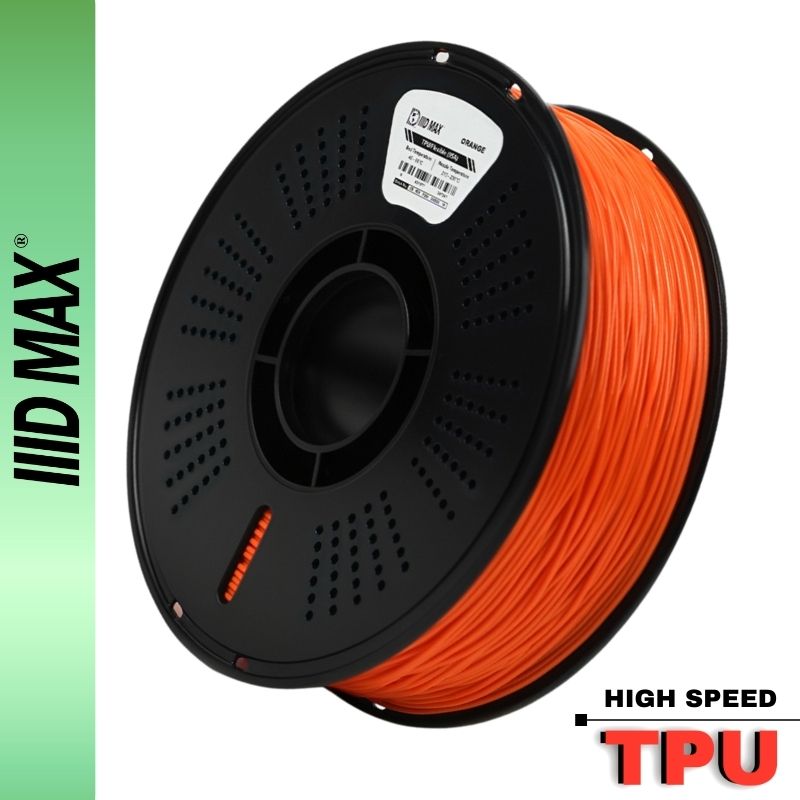
Some materials are far thirstier than others. Nylon is the worst. It can absorb enough moisture to print badly within a single day open on the bench. Polycarbonate is close behind. TPU and PETG sit in the middle: they run fine for a while after opening, then start hissing and stringing well before you expect it. PLA is the most forgiving of the common materials, but even PLA degrades after months sitting open, and wet PLA is behind many of the "my printer suddenly got worse" complaints we hear.
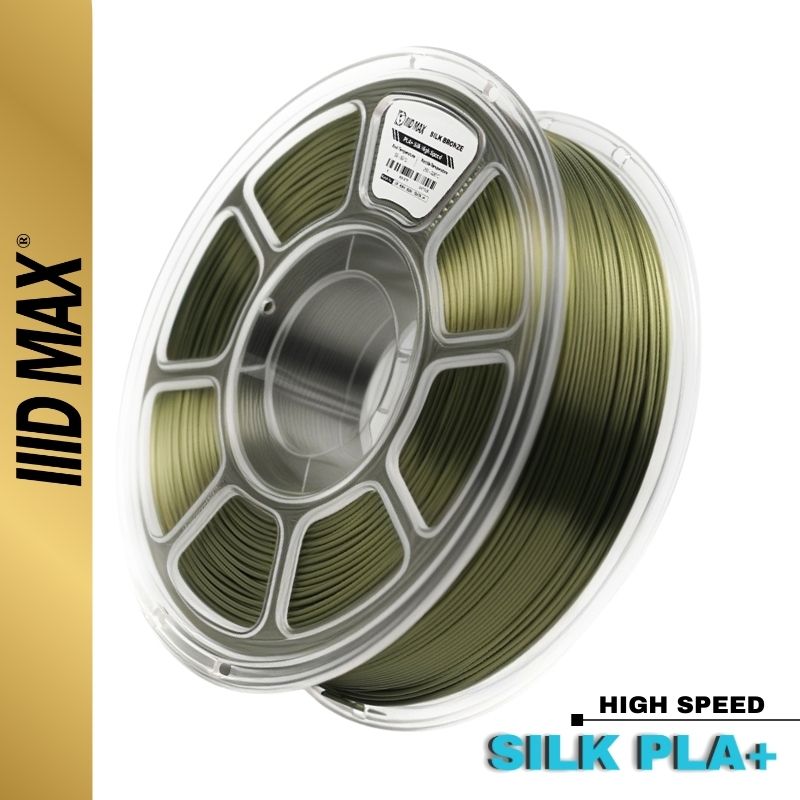
Two more cases are worth knowing. Silk PLA shows moisture damage cosmetically first: the shine goes flat and the surface hazes over. And carbon fiber blends follow their base polymer, so PLA-CF stays relaxed while nylon-CF needs the same discipline as plain nylon.
How to dry it
The principle is simple: heat the filament enough to drive moisture out without softening the spool. How you apply that heat matters more than people think.
A dedicated filament dryer is the easy answer. It holds a low temperature accurately, moves air across the spool, vents humid air instead of recirculating it, and fits a 1kg spool without deforming it. Most models let you print straight out of the unit, which solves drying and storage at once.
An oven works, with real risk. Home ovens are built for cooking, not for holding 50 C. Many overshoot the set point by 20 C or more on each heating cycle, and the lowest setting on plenty of ovens already sits above the point where PLA softens. A spool that slumps fuses its windings together and becomes unprintable. If the oven is your only option, trust a separate thermometer instead of the dial, set it as low as it goes, prop the door open, and stay in the room. Skip gas ovens, since combustion adds water vapor, and never use a toaster oven.
A food dehydrator is the best middle ground for the money. It runs for hours at low temperature with constant airflow, and pulling the middle trays leaves room for a spool. Accuracy varies by model, and you cannot feed the printer from it.
Silica gel in a sealed box is storage, not drying. A desiccant box pulls some moisture out of a spool at room temperature over weeks, and it never reaches what heat reaches in a few hours. Use it to hold a dry spool dry, not to rescue a soaked one before tonight's print.
Rough starting points for the drying itself:
| Filament | Dry temp | Time |
|---|---|---|
| PLA | 45 to 55 C | 4 to 6 h |
| PETG | 60 to 65 C | 4 to 6 h |
| TPU | 50 to 60 C | 4 to 6 h |
| Nylon (PA) | 70 to 80 C | 8 to 12 h |
| PC | 70 to 80 C | 6 to 8 h |
How long it actually takes, and how to know it worked
The four hour number that circulates everywhere came from PLA, and for a spool that spent a weekend open it is fine. It is too short for a spool that sat out for months, and nowhere near enough for nylon. Water leaves by diffusing from the core out to the surface, so a short cycle dries the outside while the inside stays wet and rewets it as the spool cools. Nylon realistically wants 8 to 12 hours, and a badly soaked spool can need a full day. When in doubt, run it longer. Extra hours cost electricity. Extra degrees cost you the spool.
Verifying is easier than it sounds. Weigh the spool on a kitchen scale before and after the cycle, dry it again, and weigh once more. When the weight stops dropping between cycles, the filament has given up what it will give up. Then run a manual purge: dry filament comes out smooth, glossy and quiet.
How to keep it dry
Drying once is wasted effort if you store it wrong. After opening a spool, keep it sealed with desiccant: a zip bag or an airtight container with silica packs, or a proper dry box. The number that matters is relative humidity inside the container, held under 20 percent. A cheap hygrometer in the box is the only way to know your desiccant still works, and once a box drifts above 30 percent it is slowly rewetting everything inside. Indicating beads recharge in the same dryer you use for filament.
Printing straight from a dry box is the next step up and standard practice for anything thirsty. Run a PTFE guide tube from the sealed container to the extruder so the spool never sits in open room air, and if you use an AMS or similar feeder, load the desiccant compartments and actually replace them. For nylon and PC, drying a spool and then leaving it on an open holder for a 20 hour print undoes the work before the print finishes.
Our spools ship vacuum sealed with desiccant, and the best habit you can build is to reseal that bag the moment a spool comes off the printer. If you live somewhere humid, dry right before a big print and print from a dry box for thirsty materials like nylon.

Quick signs your filament is wet
You can catch most of this before you waste a print. Pull about six inches off the end of the spool and bend it. The snap test is clearest on nylon, where dry material is stiff and breaks with a crisp snap while a wet spool bends like soft wire and refuses to break. Then look at the surface under a light: filament that was glossy and is now dull, chalky or faintly hazy has been drinking.
The nozzle tells you the rest. Heat the hot end, extrude a slow manual purge, and listen. Dry filament is silent and comes out as a smooth glossy strand about the width of the nozzle. Wet filament pops and hisses, the strand comes out bubbled or wider than the nozzle and curls hard to one side, and against a dark background you can often see steam. On the part, look for stringing that appeared with no profile change, foggy top surfaces, gaps from inconsistent extrusion, and parts that snap at layer lines.
Your climate sets the pace
Ambient humidity decides how fast all of this happens, which is why advice that works for one printer owner sounds paranoid to another. In a dry, air conditioned room around 35 percent relative humidity, an open PLA spool can go weeks without trouble. Here in South Florida, outdoor humidity spends most of the year in the seventies and eighties, and any garage or unconditioned back room tracks it closely.
If your printer lives in an unconditioned space in a humid region, treat every material as thirsty, including PLA. Buy sealed, open one spool at a time, and never leave a spool on the holder between jobs. Air conditioning in the print room is the cheapest filament dryer you will ever own. If your prints reliably get worse in July, humidity is the first thing to check.
Starting fresh helps too. Our filament ships sealed and dry, so browse our PLA+, PETG, and carbon-fiber filaments and keep them that way. If you are unsure whether moisture is behind a print problem, reach out and we will help you read the symptoms.


