


Note: prices and specs in this category move fast. Figures below were checked in August 2026, so confirm current numbers before you buy anything.
Anyone who has run a multicolor print knows the pile. Little solidified plugs of plastic stacking up next to the printer, one for every color change, in a rainbow that goes straight in the bin. Most people accept it as the price of admission and never weigh it. Then they weigh it, and the number is worse than they guessed. A new generation of machines was built specifically to attack that pile, and enough independent reviews have now measured them that the argument can be settled with grams instead of marketing copy.
Why single-nozzle multicolor wastes so much
A printer with one nozzle and an automatic material system does not really print in multiple colors at once. It prints in one color, then swaps. Every swap means pushing the old material completely out of the melt zone before the new one arrives clean, because a nozzle holds a surprising amount of plastic in and above the melt chamber. That flushed material has to go somewhere, either into a purge tower standing next to your part or into a chute that drops it out the back.
The cost scales with swap count, not with print size. A four color model with a lot of alternation can trigger several hundred swaps, and each one throws away roughly the same amount. This is why a small multicolor keychain can produce more waste than the keychain weighs, sometimes several times over.

Prusa put a number on the money side in July 2026, using a typical moderately complex model that finished at 81.7 grams. Across the five machines they tested, waste ran as high as 696.4 grams for that single part, which they translate to 10 to 21 dollars of filament thrown out per print depending on what you pay per kilo. Worth knowing before you lean on that figure: Prusa is a manufacturer publishing a comparison that its own machine wins, they did not name the five printers, and they did not publish the methodology. The dollar range is still a useful order of magnitude, because you can check it against your own spool price.
What independent reviewers actually measured
Manufacturer claims in this category are all over the place, so the table below only includes numbers from reviewers who ran the print themselves and weighed the result. Each row pair is the same model printed on different machines, which is the only comparison that means anything.
| Test and source | Machine | Print time | Filament wasted |
|---|---|---|---|
| 5 color calibration castle (Tom's Hardware, Jan 2026) | Dual nozzle with nozzle rack | 11 h 13 m | 41 g |
| Same print, previous generation | Single nozzle with AMS | 23 h 30 m | 70 g tower plus 279 g scrap |
| Same print, tool changer | Five head tool changer | 6 h | 37 g, no scrap |
| Multicolor planter (How-To Geek, Jul 2026) | Four head tool changer | 12 h 42 m | 62 g |
| Same print, single nozzle | Single nozzle with AMS | 19 h 18 m | 128 g |

Two things jump out. The first is that the waste gap is real and large, roughly half to a quarter of the material for the same finished part. The second is that time tracks with it: the machines that purge less also finish hours earlier, because purging is not free in minutes either. In the castle test the difference was twelve hours on a single print.
Tool changers push this furthest, since nothing is shared between materials and nothing needs flushing. Tom's Hardware measured a four head tool changer laying down a three color print with 90 color changes and finishing with a purge tower of just 4 grams, and under one gram on a lettering test. The tradeoff is a hard ceiling: four heads means four materials, and adding a fifth is not a setting, it is a different machine.
The two approaches, and what each one costs you

Tool changers give every material its own complete hot end that physically parks and swaps. Waste drops close to zero and each material can keep its own temperature and flow settings, which matters when you mix rigid and flexible in one part. The cost is mechanical complexity, a firm limit on material count, and machines that are usually semi enclosed rather than fully enclosed, so high temperature engineering materials need an optional cover or are off the table entirely.
The other approach keeps one toolhead and multiplies the nozzles inside it, swapping tips from a rack instead of swapping whole heads. Current implementations reach around seven materials in a print and heat a swapped nozzle back to temperature in seconds. You get more materials and a properly heated chamber for ABS, ASA and nylon, at a higher price and with a little purge still in the loop, since some sharing remains.
Neither approach removes the reason purge exists. Both shrink how often it has to happen.
Cutting waste on the printer you already own
Most people reading this are not buying a new machine this month, and the slicer settings on a single nozzle setup can take a meaningful bite out of the pile without spending anything.

Start with flushing volumes, which ship conservative because the manufacturer would rather waste your plastic than field a support ticket about color bleed. Dark to light needs a lot of flushing, light to dark needs far less, and most slicers let you set the matrix per color pair instead of using one number for all of them. Tuning that alone often cuts the tower by a third.
Next, stop throwing the purge away. Purging into infill, into the object's own internal walls, or into a support structure that gets removed anyway turns waste into part of the print. Where your slicer offers to purge into a separate small object, print something useful with it.
Then reduce the number of swaps rather than the cost of each one. Sorting your model so each color prints as a contiguous block, avoiding designs where two colors alternate every layer, and batching several copies of the same part in one job all cut swap count sharply. Four copies of a keychain printed together cost roughly the same purge as one, since the machine changes color once per layer regardless of how many parts sit on the plate.
Finally, keep the purge blocks. They are clean single color plastic, and they are perfectly good for test prints, tolerance checks and calibration cubes.
What low waste printing changes about your shelf
Here is the part that gets left out of every review. When purge was expensive, people self censored. Two colors instead of four, because the third and fourth were not worth the plastic. Take that penalty away and behavior changes: prints get more colorful, more parts get made in the color someone actually wanted, and the machine runs more jobs per week because it spends less time purging.

The practical consequence is that your filament shelf has to get wider rather than deeper. Four spools of the same gray is the profile of someone printing functional parts one color at a time. A rack of many colors in smaller quantities is the profile of someone printing multicolor, and that is where most of these machines are pushing their owners. If you are moving in that direction, plan the shelf before the first big multicolor job, not after.
One practical note before you widen that shelf. Consistent diameter matters more in multicolor work than it does when you print one color at a time, because a swap sequence tuned on one spool has to behave the same way on the next one, and on the one after that. A spool that runs thin will under purge and leave you with color bleed the slicer cannot see.
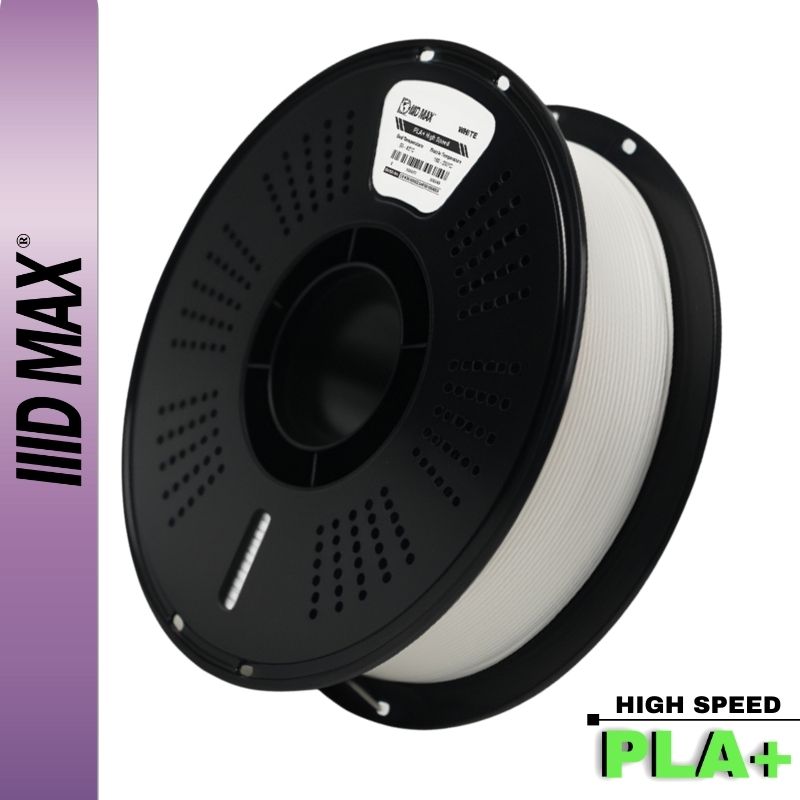
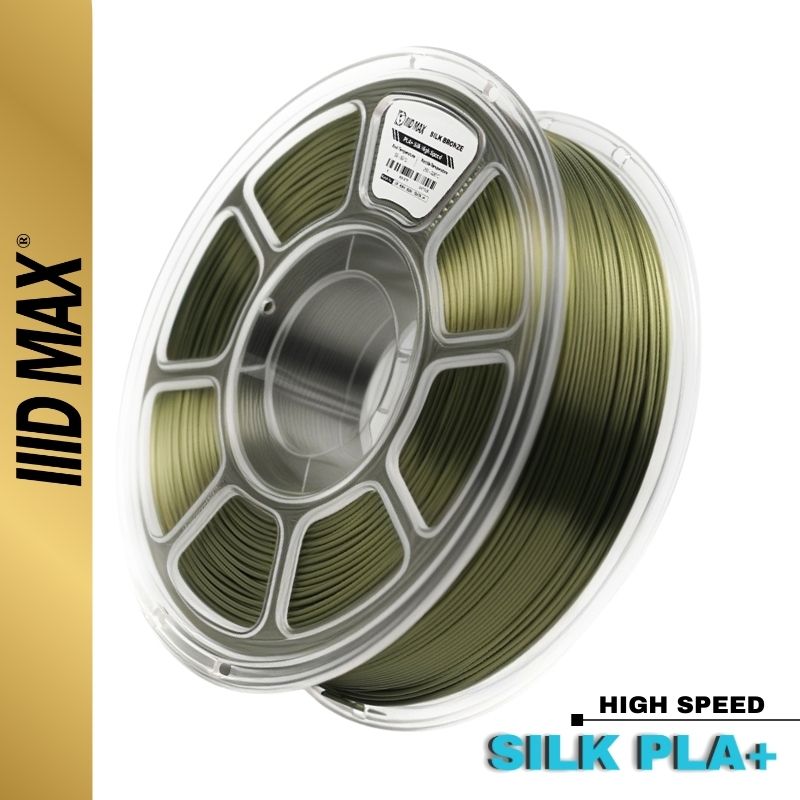
Printing in more colors than you used to? Browse our PLA+ and Silk PLA lines, held to a tight diameter tolerance across the whole run and shipped sealed, and tell us what you are building if you want a hand picking a palette that reads well at layer scale.


